Realtime
A rolling five-minute view updates every second, with the present held against a precise Now line.

Screenka turns foreground app time into a clear visual history—live, day by day, and across the weeks. Your activity history at a glance.
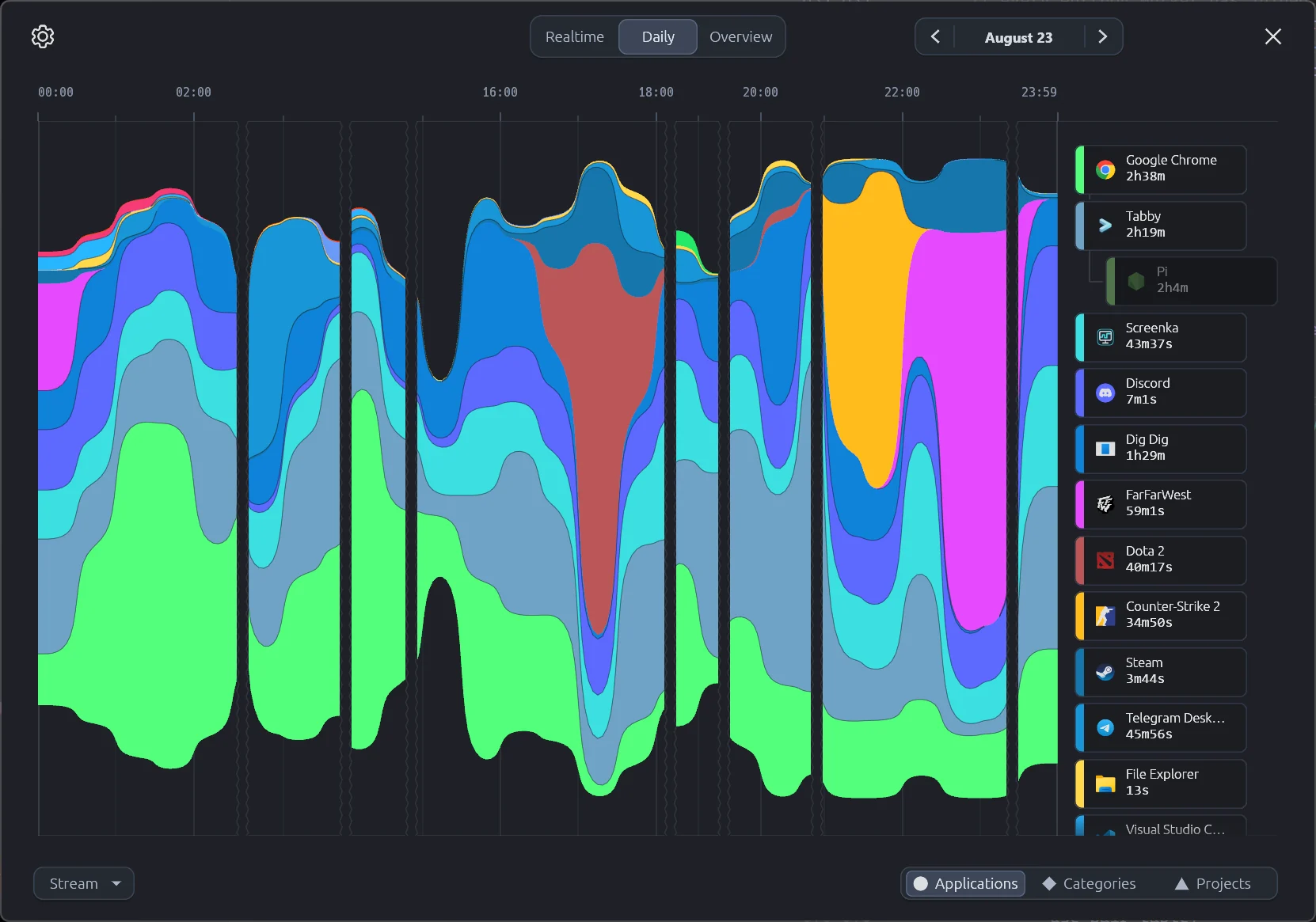
Move between a live five-minute canvas, exact local days, and a broader foreground-time overview.
A rolling five-minute view updates every second, with the present held against a precise Now line.
Walk through retained dates and switch between Line, Stream, and Block to read the shape of a complete day.
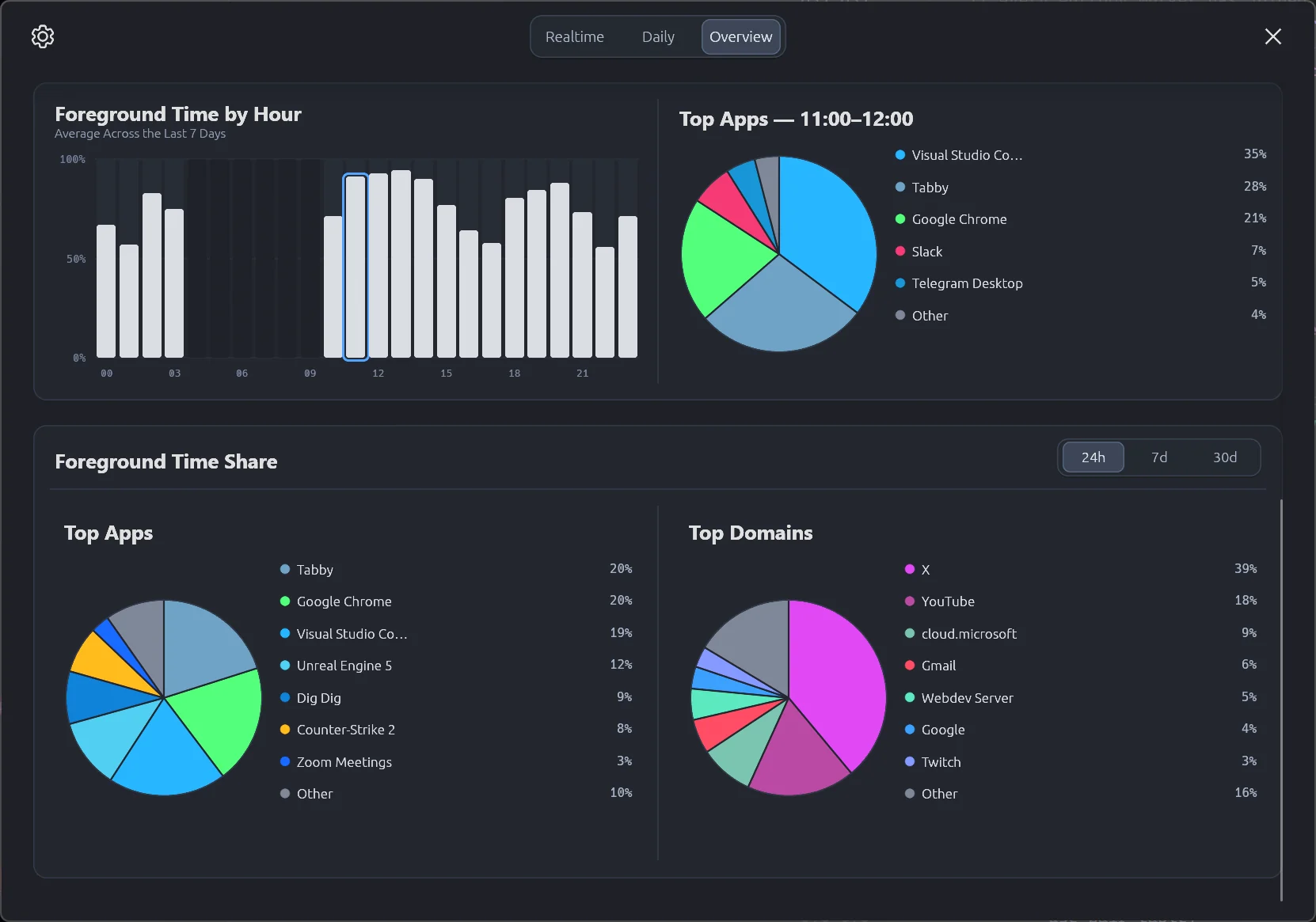
See fourteen-day rhythm, selected-app history, hourly averages, and the foreground shares that define your week.
Screenka presents ordinary foreground duration. It helps you notice patterns without labeling an application productive or unproductive.
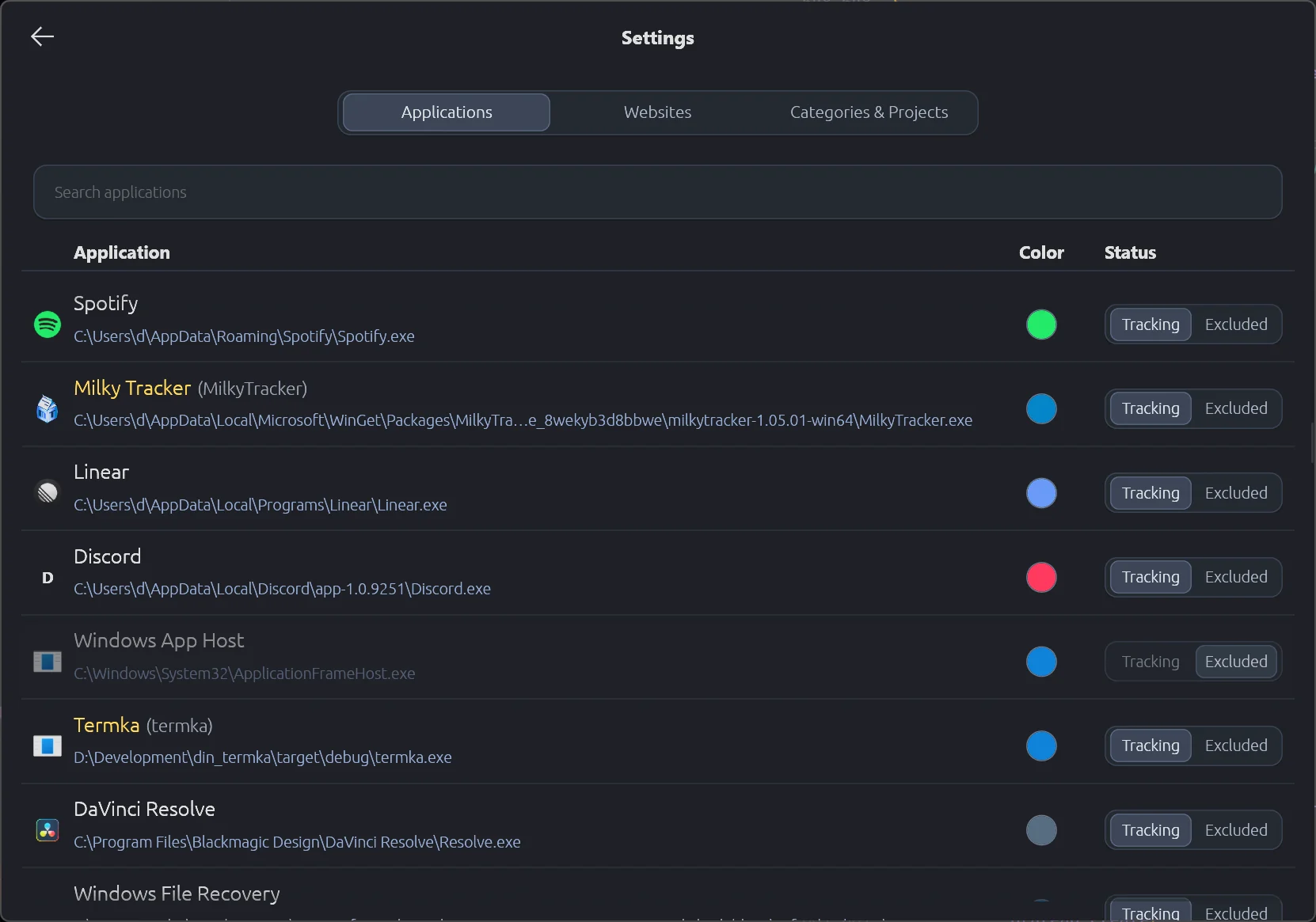
Rename identities, choose stable colors, exclude what you do not want tracked, and organize applications and websites into your own Categories and Projects.
Screenka is built around content-free observation and local storage.
Tracked application and website history is stored in local databases.
No screenshots, audio content, messages, files, or network destinations are recorded.
Designed to stay quiet in the tray with a low memory footprint and low CPU usage.
Built in Rust for speed, reliability, and fewer crashes.